Text to Speech Converter – Listen to Any Text Instantly for Free
Need to hear your text out loud? Our Text to Speech Converter lets you instantly listen to any text with just one click. Whether you are proofreading, learning, or improving accessibility, this tool provides instant audio for any text you type or paste. With no sign-up or installation required, it’s a quick and easy way to enhance your productivity.
🗣️ Text to Speech Converter
Enter your text below and click "Speak" to hear it aloud.
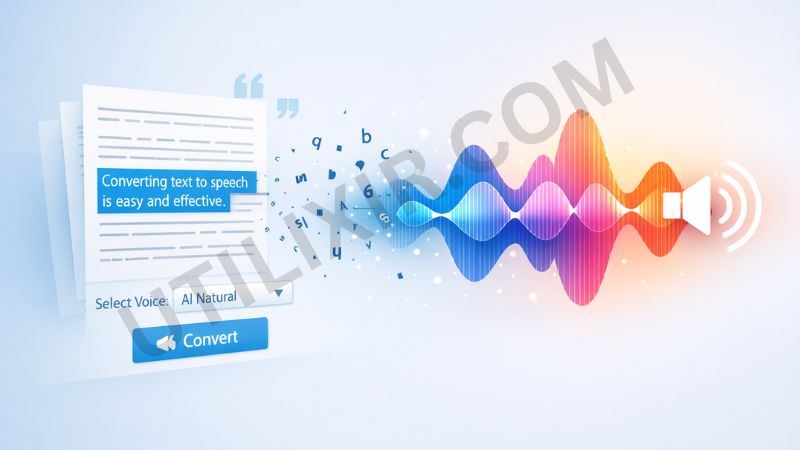
Text to speech technology makes it easier to listen to documents, articles, or notes, which can improve learning, productivity, and accessibility. Whether you are proofreading a paper, learning a new language, or simply multitasking, our Text to Speech Converter provides a simple, reliable way to convert your written content into audio. You can listen on the go, while focusing on other tasks, or while reviewing content for errors.
This tool is fast, free, and works directly in your browser. There’s no need for software installation or account creation. Just choose your voice, paste your text, and click "Speak" to start hearing your text aloud. If you need other content-related tools, you may also find Note Encryptor, Image To PDF, or Online Calculator useful for optimizing your workflow.
Key Features
1. Instant Audio Playback
Hear your text aloud in seconds without any delays or interruptions.
2. Multiple Voices and Languages
Choose from various voices and languages available in your browser to personalize the experience.
3. Free and No Registration Required
Use the tool instantly without signing up or providing any personal information.
4. Secure and Private
Your text is processed directly in your browser and is not stored or shared.
5. Cross-Platform Compatibility
Works seamlessly across desktops, tablets, and smartphones for accessibility anywhere.
How to Use the Tool
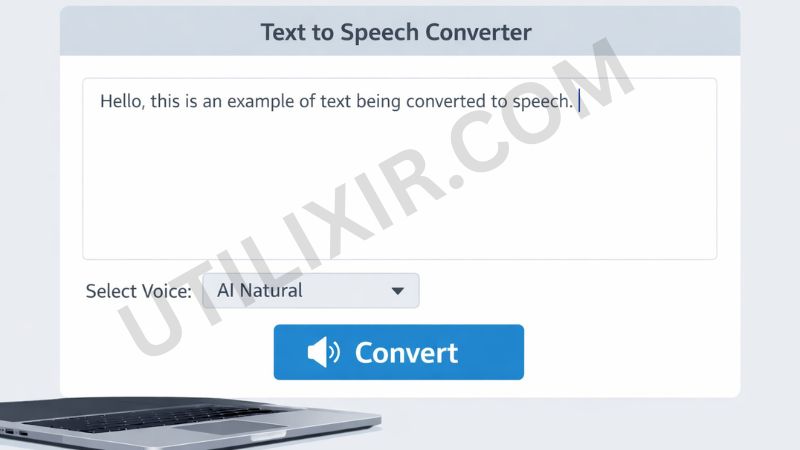
Enter or paste your text into the input box
Select your preferred voice and language
Click Speak to hear the text aloud
Click Stop to pause the speech at any time
Why Choose This Tool Over Other Tools
While many text-to-speech tools require apps, subscriptions, or complicated setups, Utilixir’s Text to Speech Converter provides an immediate and easy-to-use solution. It’s free, secure, and accessible directly in your browser, making it perfect for quick usage. Whether for proofreading, learning, or accessibility, you can rely on this tool without distractions or unnecessary steps.

Here is a comparison with other tools:
User Testimonials
Alice S.
“I use this tool to proofread my articles. It’s fast, simple, and works perfectly on my phone.”
Fruger R.
“Great for language learning! I can listen to texts in different languages with ease.”
Benji F.
“I needed this for accessibility purposes. It's incredibly useful and easy to use.”
Alisa T.
“Perfect for multitasking! I can listen to my notes while doing other things.”
Conclusion
Utilixir’s Text to Speech Converter is a fast, secure, and user-friendly tool that helps you instantly listen to any text aloud. Whether you’re proofreading, learning, or making your content more accessible, this tool is a practical solution. It’s free to use, works on all devices, and requires no sign-up or software installation. For a seamless workflow, you can combine it with other tools like Note Encryptor or Image to PDF to further enhance your productivity.
FAQs
1. What languages and voices are available?
The available voices and languages depend on your browser and device. Most modern browsers support multiple options.
2. Is my text stored online?
No, your text is processed securely in your browser and is never stored or shared.
3. Do I need to create an account?
No, there is no registration required.
4. Can I use this tool on my phone?
Yes, it works on smartphones, tablets, and desktops.
5. Can I download the audio?
Currently, playback is in-browser only. For downloads, consider using specialized TTS software.
6. How can I change the voice or language?
You can select different voices and languages directly in the tool, based on what your browser supports.
7. Can I use this tool for long texts?
Yes, the tool can handle any text length, though longer texts may require more time to process.
8. Who is this tool useful for?
It is useful for students, professionals, people with reading disabilities, or anyone who needs to listen to written content.
Listen to Your Text Instantly
Try Utilixir’s Text to Speech Converter now and hear your written content aloud in seconds.
Start Listening