Logo Generator – Create Professional Logos Online Free - Utilixir
Need a professional logo without hiring a designer? Our Logo Generator lets you create stunning logos in seconds. Just enter your brand name, customize colors and fonts, and instantly preview multiple styles. Whether you are launching a business, building a website, or starting a project, this tool helps you design a logo quickly and effortlessly.
🎨 Logo Generator
Enter your brand name, pick colors and font, and instantly preview 20 modern logo styles with icons. Click any logo to download!
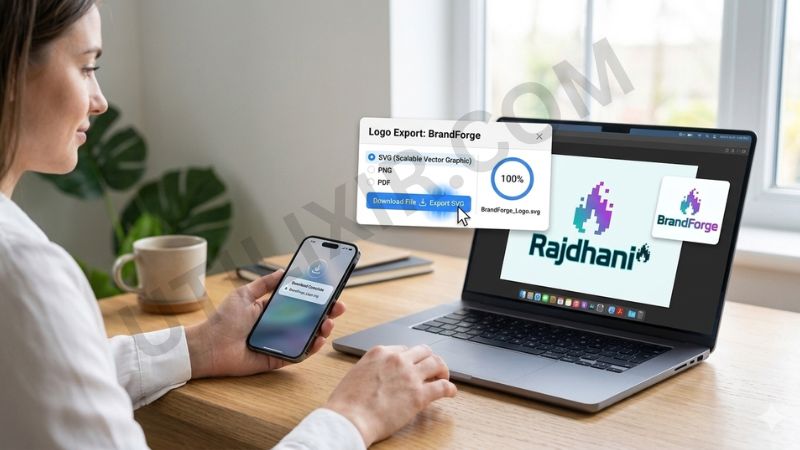
A logo is a key part of your brand identity. It represents your business, communicates your style, and helps people recognize your brand across platforms. However, designing a logo from scratch can be time-consuming and expensive. Utilixir’s Logo Generator simplifies the process by giving you instant access to multiple professionally styled logo options that you can customize in seconds.
The tool is designed for speed, creativity, and ease of use. You can experiment with different colors, fonts, and styles until you find the perfect match for your brand. There is no need to install software or create an account. If you are building a complete brand presence, you can also use tools like Image Resizer, Base64 to Image, or Image to Base64 to prepare and optimize your visuals.
Key Features
1. Instant Logo Preview
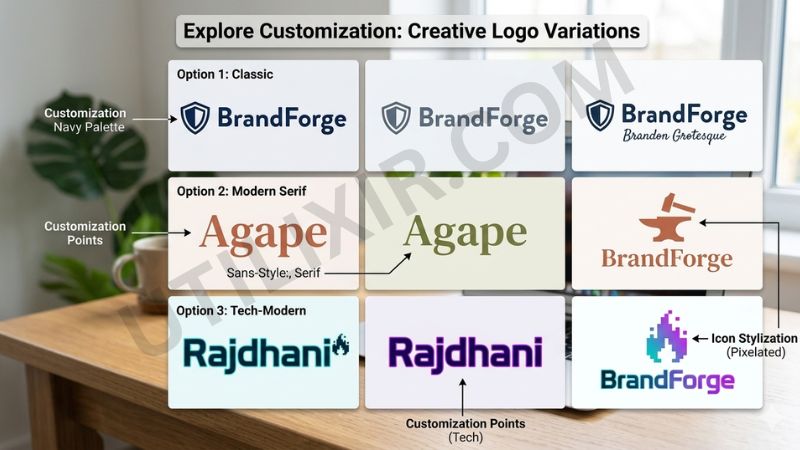
Generate and preview up to 20 unique logo styles instantly, helping you explore different design directions quickly.
2. Easy Customization Options
Change your brand name, colors, and fonts to match your style and identity without needing design skills.
3. High-Quality SVG Downloads
Download your logo as a scalable SVG file, ensuring it looks sharp on websites, social media, and print materials.
4. No Registration Required
Start designing immediately without signing up or creating an account.
5. Free to Use
The Logo Generator is completely free, making it accessible for startups, freelancers, and individuals.
6. Secure and Private
Your designs are generated in your browser and are not stored or shared.
7. Cross-Platform Compatibility
Works smoothly on desktops, tablets, and mobile devices.
How to Use the Tool
Enter your brand name in the input field
Choose your preferred colors and font style
Click Generate Logos to preview multiple designs
Browse through the available logo styles
Click on your favorite logo to download it as an SVG file
Why Choose This Tool Over Other Tools
Many logo generators either limit customization, require subscriptions, or watermark downloads. Utilixir’s Logo Generator focuses on simplicity, speed, and flexibility. You can generate multiple logo styles instantly, customize them freely, and download high-quality files without restrictions.

Here is a comparison with other tools:
User Testimonials
Ramona K.
“I created a logo for my startup in minutes. The variety of styles made it easy to find something I liked.”
Mike M.
“I love how simple it is. No design skills needed, and the SVG download is perfect.”
Harry R.
“Great tool for quick branding. I used it for my website and social media pages.”
Arnold S.
“Clean interface and fast results. I was able to test different styles instantly.”
Conclusion
Utilixir’s Logo Generator is a fast, simple, and powerful tool for creating professional logos without any design experience. It allows you to preview multiple styles, customize your design, and download high-quality SVG files instantly. Whether you are building a brand, launching a project, or creating visual content, this tool helps you get started quickly. For a complete design workflow, you can also use tools like Image Resizer or Image to Base64 to optimize and manage your visuals.
FAQs
1. What file format are the logos?
All logos are downloadable as SVG files, which are scalable and high quality.
2. Is this Logo Generator free?
Yes, it is completely free to use.
3. Do I need to sign up?
No, there is no registration required.
4. Are my logo designs stored online?
No, your designs are generated in your browser and are not stored or shared.
5. Can I use the logos for commercial purposes?
Yes, the generated logos can be used for personal and commercial projects.
6. Can I customize colors and fonts?
Yes, you can adjust both colors and fonts to match your brand.
7. Can I use this tool on mobile devices?
Yes, it works on smartphones, tablets, and desktops.
8. How many logo styles can I preview?
You can preview up to 20 different logo styles instantly.
9. Who should use this tool?
It is ideal for entrepreneurs, freelancers, students, and anyone needing a quick logo.
10. Can I edit the SVG file later?
Yes, SVG files can be edited using design tools like Illustrator or Figma.
Create Your Logo Instantly
Try Utilixir’s Logo Generator now and design a unique logo for your brand in seconds.
Start Designing